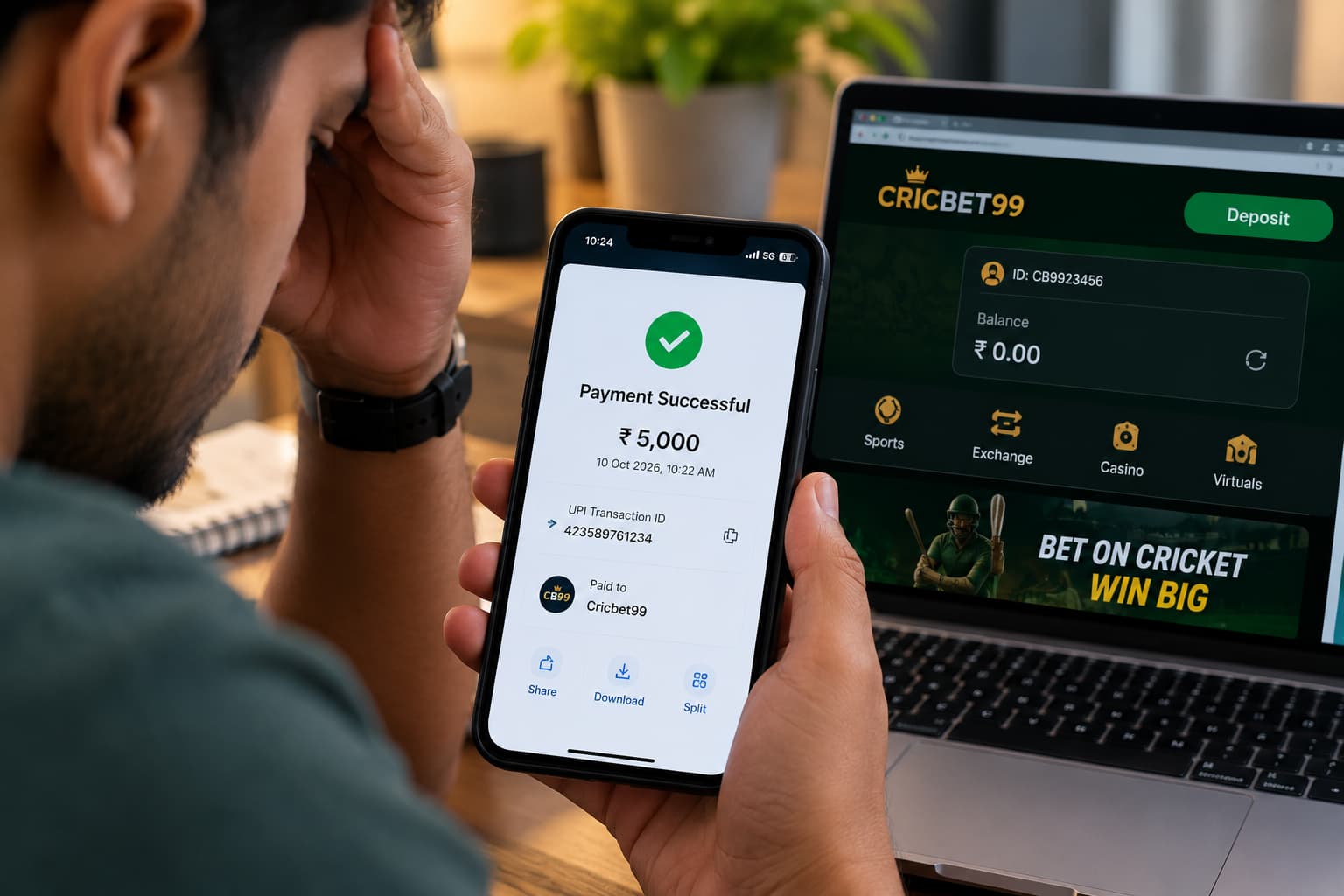
Making an online payment and waiting for the balance to update can be frustrating, especially when your banking application already shows a successful transaction. Some users may complete a payment, upload the transaction screenshot, and still find their Cricbet99 account balance unchanged.
If you submitted your Cricbet99 payment screenshot but your balance hasn’t updated, it doesn’t necessarily mean the payment was lost. The delay may be associated with transaction processing, payment verification, incorrect reference details, or a temporary technical issue.
Understanding how payment confirmations work can help you identify the possible reason for the delay and take the appropriate steps without making unnecessary repeat payments.
Read More<<<Cricbet99 UPI Payment Failed but Money Debited: Complete Guide
Why Is My Cricbet99 Balance Not Updated After Submitting a Payment Screenshot?
A payment screenshot is generally used as supporting evidence that a transaction was initiated or completed. However, uploading a screenshot does not automatically establish that funds have reached the intended recipient.
Payment processing and account balance updates are separate activities. A transaction may show as successful in your banking application while the receiving system has not yet matched it to your account.
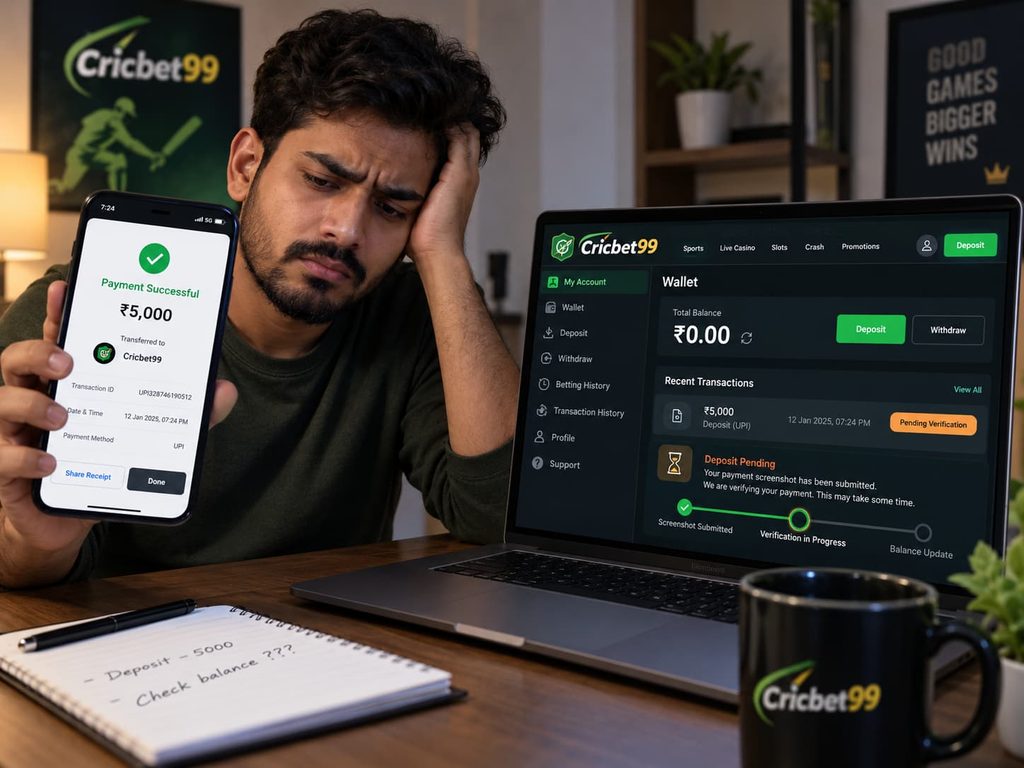
Here are some possible explanations.
1. Payment Verification Is Still Pending
Some online platforms review transaction details before updating account balances. This may involve confirming the payment amount, transaction reference number, recipient details, and associated user account.
If verification is incomplete, the deposit may remain pending even after you have uploaded a screenshot.
2. Incorrect Transaction Reference Number
Most digital payments generate a unique transaction reference, often called a UTR, UPI reference number, or transaction ID.
If the reference number is entered incorrectly or does not match the payment record, the receiving platform may be unable to identify the transaction.
For example, a user might accidentally submit a screenshot of an earlier payment or enter the wrong reference number.
3. Bank or UPI Processing Delays
UPI and bank transfers may occasionally experience processing delays caused by banking infrastructure, network interruptions, or transaction reconciliation.
Even when a payment application displays a successful status, it is important to confirm the final transaction details through your bank before assuming the receiving platform has received the funds.
4. Incorrect Cricbet99 ID Details
An account identification mismatch can also cause complications.
For example, the user may submit payment information associated with one Cricbet99 ID while expecting the balance to appear in another account.
Checking the account identifier associated with the payment request can help identify such discrepancies.
5. Technical Issues or Delayed Account Synchronisation
Temporary website errors, maintenance activities, or payment-record synchronisation problems may prevent an account dashboard from immediately displaying updated information.
However, users should not assume that refreshing the page repeatedly will resolve a payment issue.
What to Do When a Cricbet99 Payment Screenshot Is Submitted but the Balance Is Not Updated
If you are facing this problem, follow these practical steps to review the transaction and document the issue.
Payment troubleshooting checklist: Confirm the transaction status in your banking or UPI application. Verify the payment amount, date, and recipient details. Check the UTR or transaction reference number. Confirm the Cricbet99 account identifier associated with the paymentReview available transaction history for duplicate or pending entries. Keep payment records and contact the appropriate support channel
Step 1: Check Whether Your Payment Was Successfully Completed
Open the banking or UPI application used for the transaction.
Look for the relevant payment entry and check whether its status is successful, pending, failed, or reversed.
If your payment is still pending, contact the bank or payment provider to understand whether further action is required.
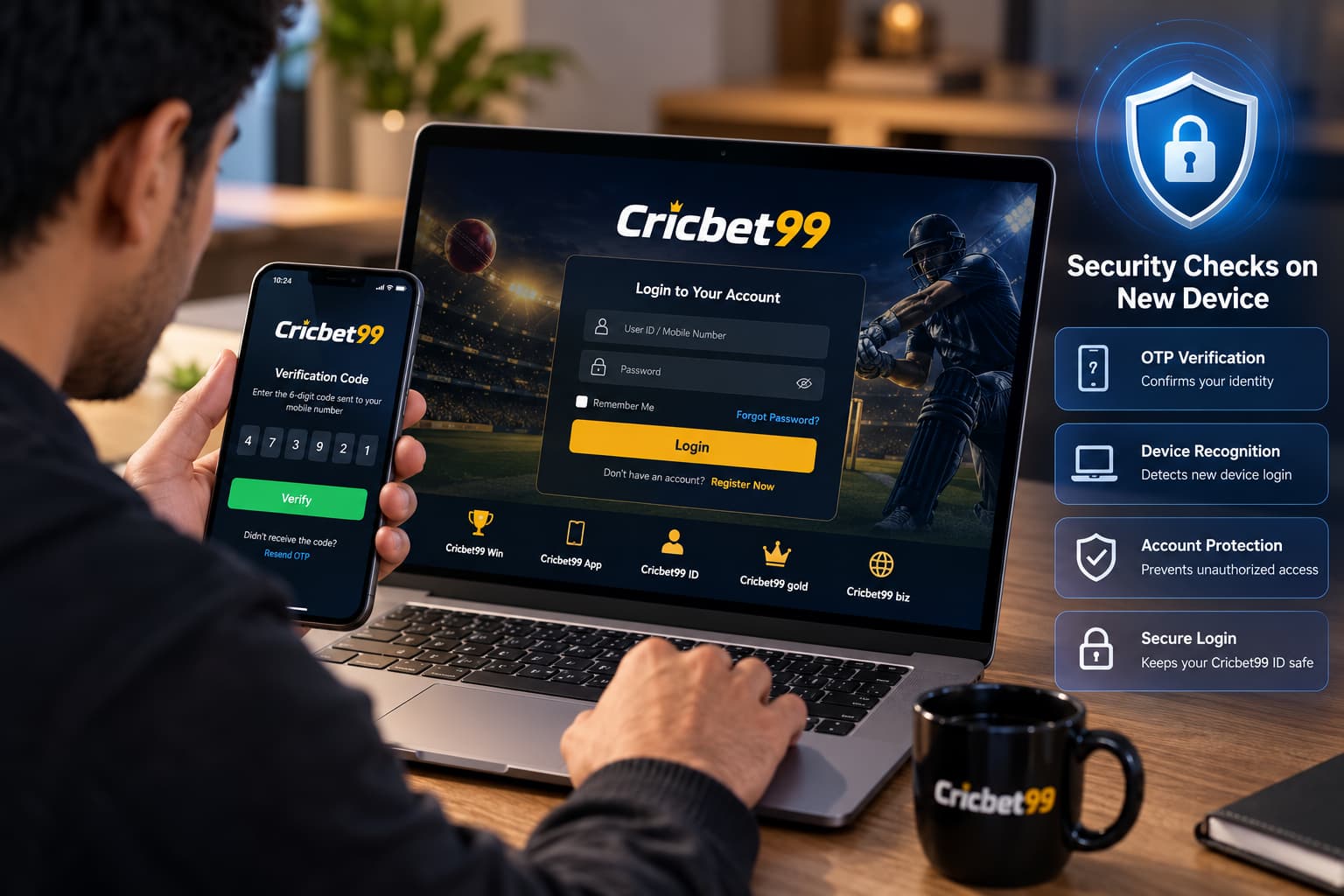
Step 2: Confirm Your Cricbet99 Login and Account Details
If the platform is accessible and lawful in your jurisdiction, review your account information using the correct Cricbet99 Login credentials.
Check whether you are viewing the account associated with the original payment request.
Avoid creating another account or making another payment simply because the existing balance has not changed.
Step 3: Check the Transaction Reference Number
Your transaction reference number is one of the most useful details when reporting a payment discrepancy.
Compare the reference displayed in your banking application against the information submitted with your payment screenshot.
If the details do not match, explain the discrepancy clearly when contacting the relevant support team.
Step 4: Review the Payment Screenshot
A useful payment screenshot should clearly show the transaction date, amount, payment status, and reference number.
Make sure the screenshot corresponds to the actual transaction being disputed.
Avoid editing or altering payment screenshots. If sensitive information is visible, use the support provider’s recommended secure submission method.
Step 5: Contact Support Through a Verified Channel
If your bank confirms that the payment was completed but the balance has not changed, contact the platform’s verified support channel, where one is available.
Provide the relevant details and request an investigation into the payment record.
Never share your account password, UPI PIN, banking PIN, or one-time password with support representatives.
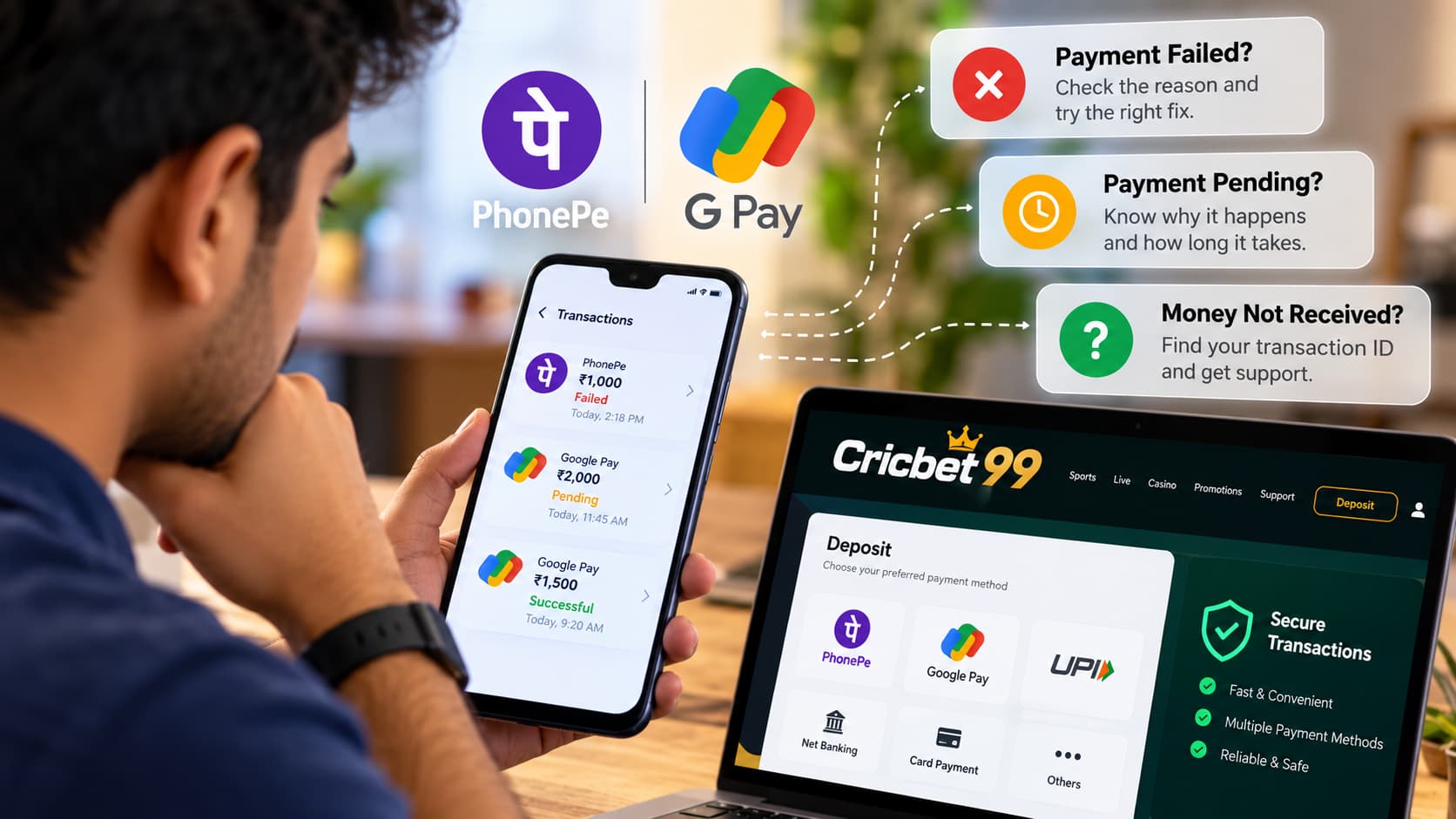
Read More<<<Cricbet99 PhonePe & GPay Payment Support: Failed, Pending and Missing Transactions
What Payment Details Should You Keep Ready?
When reporting a missing or uncredited payment, having complete information can make the investigation easier.
| Payment information | Why it matters |
|---|---|
| Cricbet99 ID | Identifies the account linked to the issue |
| Transaction reference or UTR | Helps locate the banking transaction |
| Payment amount | Allows the amount to be matched |
| Date and time | Identifies the transaction period |
| Payment method | Indicates how the transfer was initiated |
| Payment status | Helps determine whether the bank completed the transaction |
| Screenshot | Provides supporting transaction evidence |
Only share this information through a secure, verified channel and avoid exposing unnecessary personal or financial information.
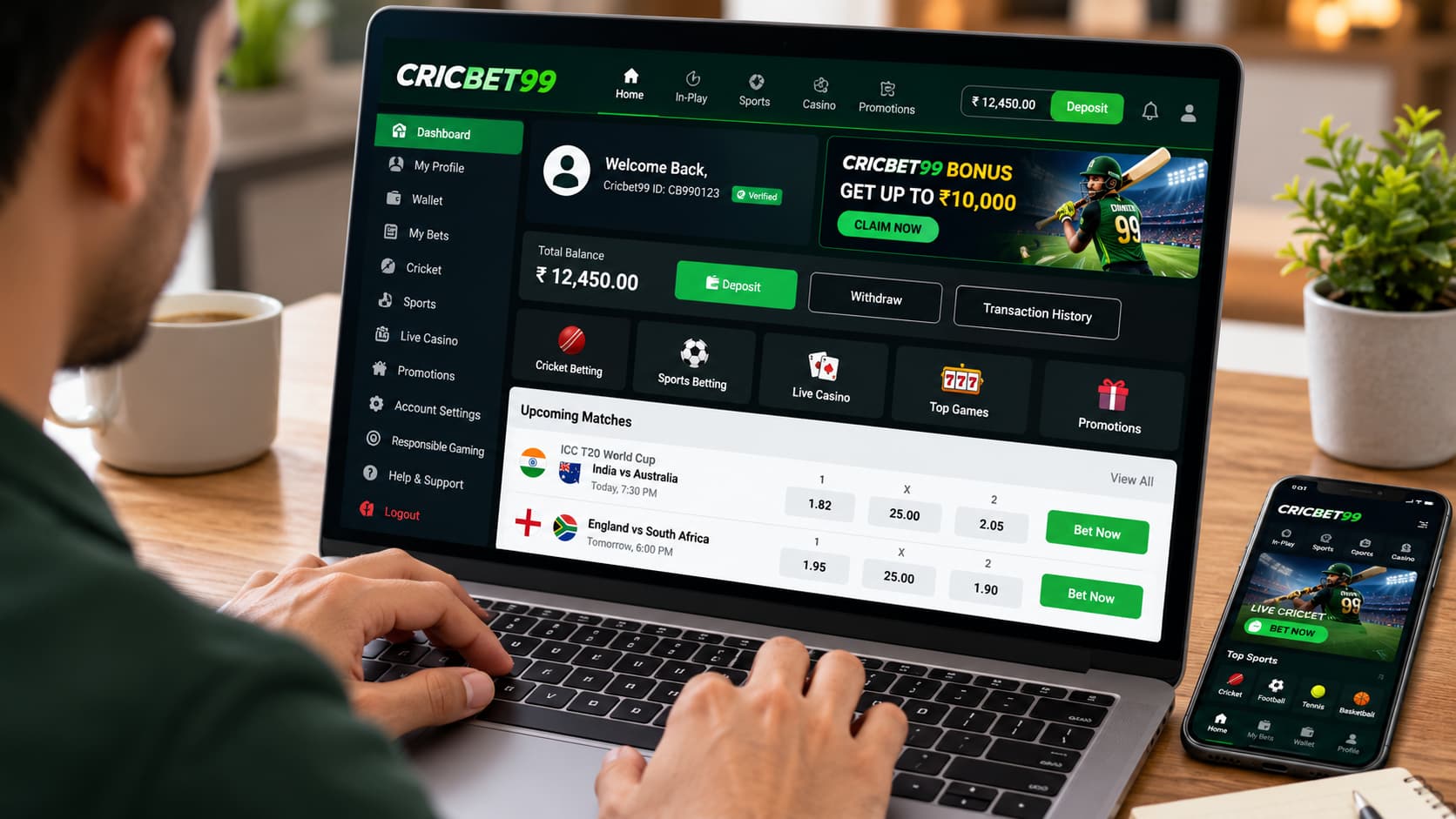
Cricbet99 Payment Successful but Balance Showing Zero
Some users may see a zero balance even though their payment application displays a successful transaction.
This could happen because the website balance has not refreshed, the deposit has not been reconciled, or the transaction is associated with different account details.
A successful payment notification alone is not sufficient evidence that an individual gaming account has been credited.
The most reliable approach is to compare the bank’s transaction record with the receiving platform’s payment records.
If the discrepancy continues, request a written support response and retain the correspondence for reference.
Cricbet99 Signup and Register: Can New Accounts Experience Payment Issues?
Users who recently completed Cricbet99 Signup or attempted to Cricbet99 Register may also encounter account-detail or verification-related problems.
For newly created accounts, it is particularly important to check whether the correct profile information is associated with the transaction.
Depending on the platform’s rules, identity verification or account restrictions may affect certain account functions. These requirements should be confirmed against the provider’s published policies rather than assumed.
Before submitting personal documents, verify the legitimacy of the website and whether the service is permitted in your location.
How Long Does It Take for a Cricbet99 Payment to Reflect?
There is no independently verified universal processing time available for Cricbet99 payments.
Actual timelines may depend on the payment provider, bank processing conditions, platform verification procedures, and the nature of the transaction discrepancy.
If the transfer is pending, check your bank’s published support or dispute procedures. If the bank shows it as successful, ask the receiving platform to investigate using the transaction reference.
Avoid assuming that a payment will definitely appear within a particular number of minutes or hours.
Common Mistakes to Avoid During a Payment Delay
Users sometimes take actions that make payment investigations more complicated.
Avoid submitting the same transaction as multiple separate deposits, making repeated transfers to compensate for a missing balance, or sharing transaction information with unverified support accounts.
It is also important not to rely on a payment screenshot alone when verifying a transfer. Your bank’s transaction record is a stronger source of confirmation.
Keep copies of relevant communications so that you have a clear record of the issue.
How to Protect Your Cricbet99 Account During Payment Troubleshooting
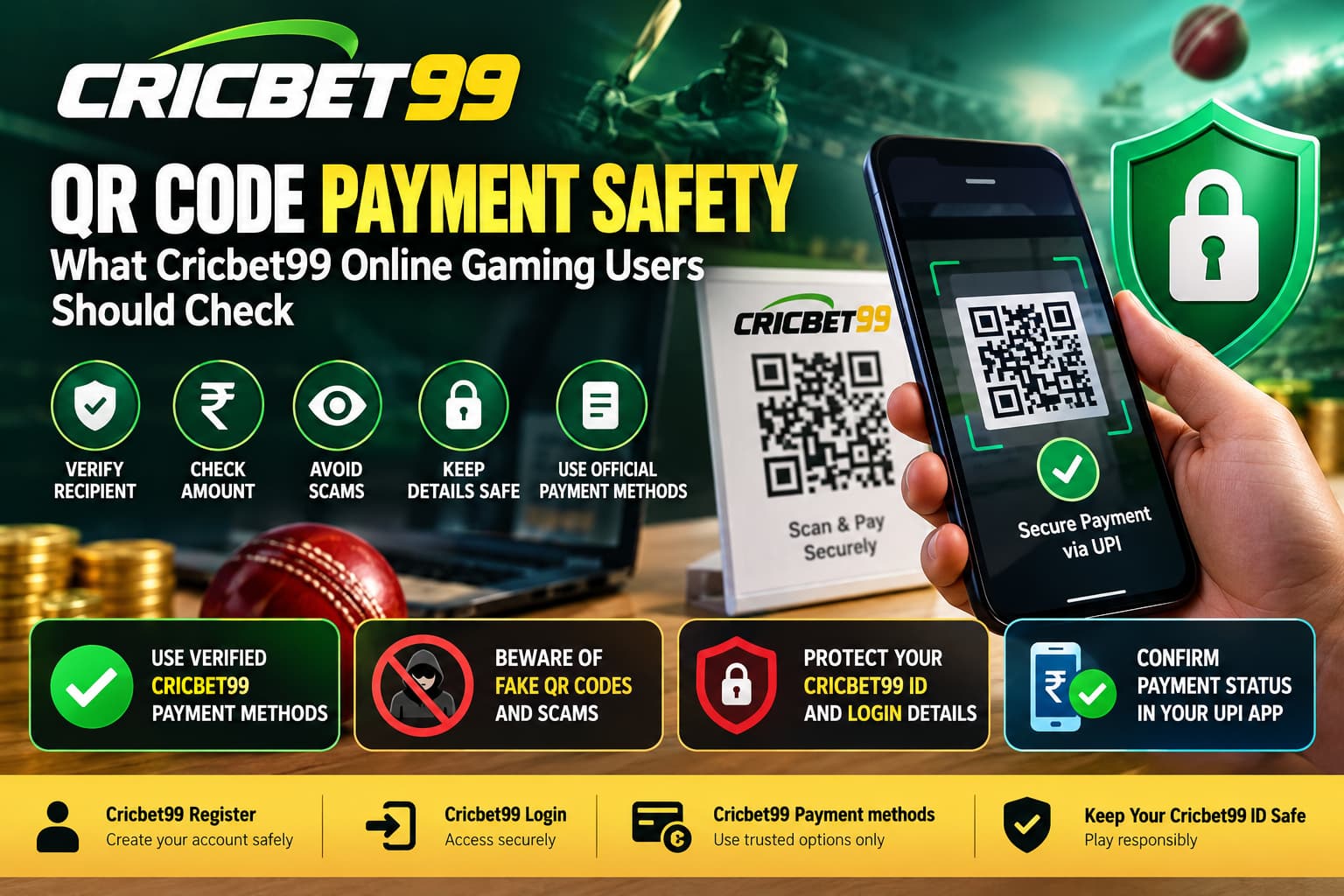
Payment-related problems can create opportunities for impersonation and phishing attempts.
Fraudulent contacts may claim that a deposit can be released after you provide an OTP, install a remote-access application, or send an additional verification payment.
Be cautious of anyone making such requests.
Protect your Cricbet99 ID, use a unique password, avoid unofficial APK download links, and never disclose sensitive banking credentials.
If you believe your payment details or account credentials have been compromised, contact your bank promptly. Contact Support Team Instantly
Frequently Asked Questions
1. Why is my Cricbet99 balance not updated after submitting a screenshot?
Possible reasons include incomplete transaction verification, mismatched payment references, banking delays, or account synchronisation issues. The exact cause requires checking the relevant payment records.
2. Can I submit the same payment screenshot again?
Avoid repeatedly submitting the same screenshot as a new transaction. If you need to correct information, refer to the existing payment report or support request.
3. What if my Cricbet99 deposit is not credited but money is deducted?
First, check the final transaction status with your bank. If the payment was completed, retain the UTR and other relevant evidence and contact the receiving platform through a verified support channel.
4. Does a Cricbet99 login problem affect payment verification?
A login problem can prevent you from viewing your account balance or transaction history. However, it does not by itself establish whether a payment succeeded or failed.
5. Can an incorrect Cricbet99 ID cause a payment mismatch?
Incorrect account details may make it difficult to associate a payment with the intended account. The receiving platform would need to confirm whether this occurred.
6. Should I make another payment if my balance is not updated?
No. First, investigate the existing transaction and confirm its status to avoid duplicate transfers.
7. Is a screenshot enough to confirm a successful payment?
No. A screenshot is supporting evidence. Confirmation should come from reliable transaction records, including the bank’s payment status and the recipient’s reconciliation records.
Contact Cricbet99 Support Team
Experiencing a Cricbet99 payment screenshot submitted but balance not updated issue can be confusing, particularly when your bank already shows a successful transaction.
However, an uncredited balance does not automatically establish that a payment has been lost. The discrepancy may involve transaction verification, incorrect reference information, banking delays, or technical issues.
The appropriate response is to verify the banking transaction, confirm the associated Cricbet99 ID, retain your payment evidence, and request assistance through a verified support channel.
Whether you are checking an existing Cricbet99 account, reviewing a Cricbet99 Login issue, or investigating a transaction after registration, accurate records and secure communication are essential for resolving payment discrepancies.
Editorial note: This article provides general payment-troubleshooting and account-security information. It does not represent verified Cricbet99-specific payment policies, guaranteed processing times, or confirmation of the platform’s legal status.

Ethan is an experienced betting specialist and former casino analyst working at Cricbet99, with strong expertise in online sports betting, live odds analysis, and market strategy. He focuses on creating clear, research-driven content that helps users understand betting systems, match trends, and wagering strategies simply and practically. With deep knowledge of cricket, football, and casino gaming markets, Lenin provides insights that combine data analysis with real-time sports understanding. His work includes betting guides, platform reviews, bonus breakdowns, and predictive strategies designed for both beginners and advanced users.