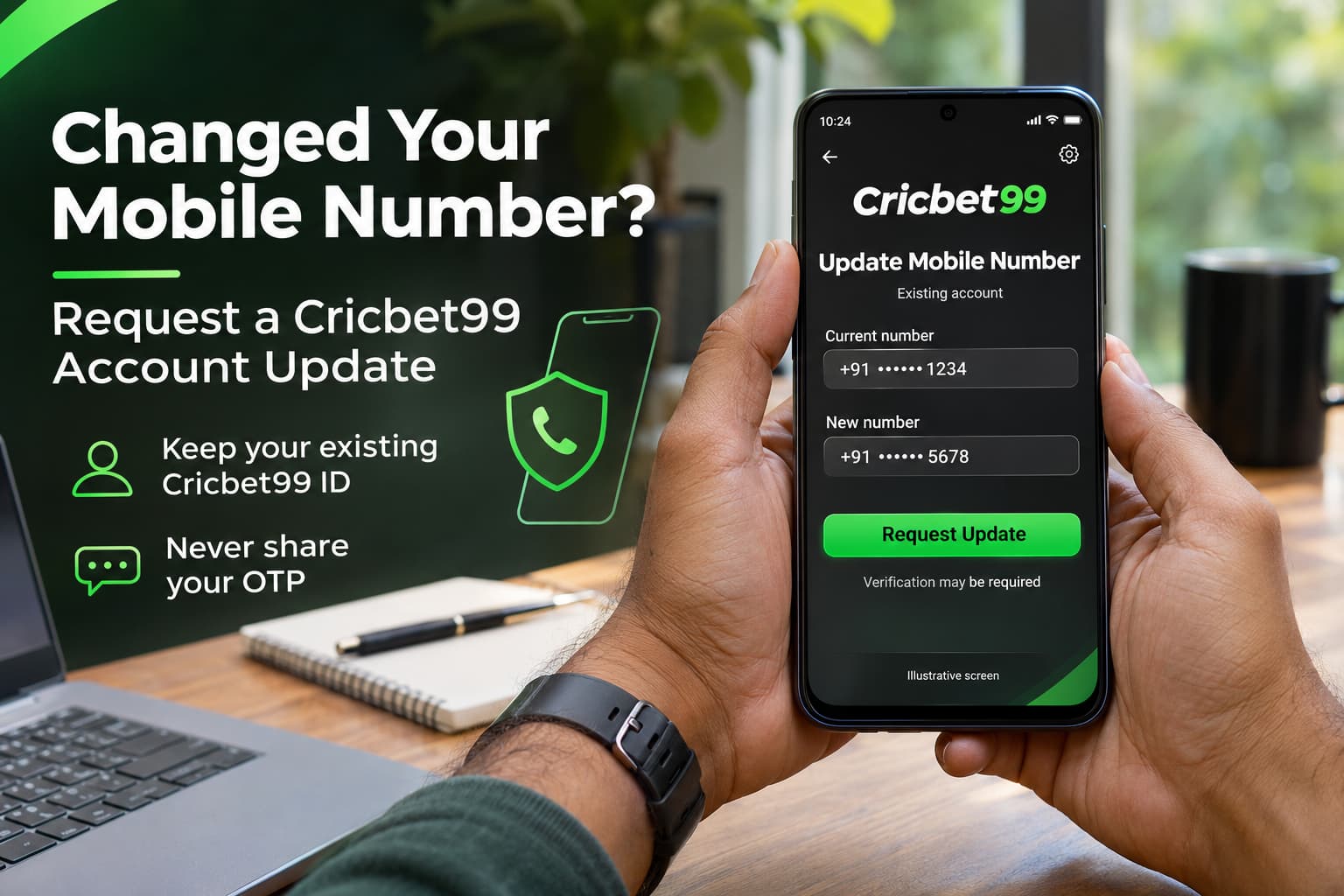
Changing your mobile number can leave an important account detail out of date. You may still remember your password, but login codes, recovery messages or security notifications could continue going to your previous number.
If you need to update the number associated with your Cricbet99 ID, start with your existing account. Creating another account does not resolve the contact details attached to the original one.
This page explains how to prepare a Cricbet99 mobile-number update request, what to do if your old SIM is unavailable and which security checks to complete afterwards.
Can You Change Your Registered Cricbet99 Mobile Number?
The published Cricbet99 FAQ directs users to My Profile → Edit Details to update personal information, including their phone number. However, the options visible in your account and any verification required may differ. Check the available settings first, then use independently verified support if the number cannot be edited or the process cannot be completed.
There are two common situations:
| Your situation | Where to start |
|---|---|
| You can log in and receive messages on the old number | Check the profile settings and follow the displayed verification process |
| You can log in but no longer control the old number | Request assistance if the update requires verification through that number |
| You cannot complete Cricbet99 Login | Use the available account-recovery process or verified support |
| Your phone or SIM was stolen | Secure the SIM and device, then report the account-access risk |
| Someone changed your registered number without permission | Treat it as a possible account compromise and request an urgent review |
Start with the route that matches your access. Never ask another person to receive or forward account verification codes for you.
ReadMore<<<<Why Your Cricbet99 ID Is Not Working? Top Reasons & Quick Fixes
Why Keeping Your Mobile Number Updated Matters
Your registered number may be used for verification, recovery or account notifications, depending on the account system.
When that number becomes inactive, you could have difficulty completing a password reset or confirming an account change. If the number is later reassigned to someone else, messages intended for you could reach its new holder.
Updating your details also helps support distinguish a routine contact change from an attempt to take over your account.
For Cricbet99 India readers, remember that replacing your SIM, changing your handset and changing your phone number are different actions. Moving the same active number to a new phone may not require an account contact update.
What to Prepare Before Requesting an Update
Gather the basic information needed to explain the request clearly.
| Information | How it helps |
|---|---|
| Existing Cricbet99 ID or username | Identifies the account concerned |
| Whether the old number is accessible | Explains which verification routes may be possible |
| New mobile number and country code | Helps prevent a typing or formatting error |
| Access to a registered email address | May provide another recovery route, if supported |
| Exact error message | Shows where the update process stopped |
| Previous support reference | Helps connect follow-up messages to the original request |
Use only a mobile number you control and expect to keep.
Do not include your password, OTP, UPI PIN or banking credentials in a support request. Share full contact details only through an independently verified, private support process when needed.
Explore<<< How to Use Cricbet99 on Mobile in India: Betting App Features Explained
How to Request a Cricbet99 Mobile-Number Update
Step 1: Verify the Website Before Signing In
Before completing your Cricbet99 Login, inspect the full website address.
Avoid entering account details through links in unsolicited messages, unfamiliar advertisements or groups claiming to provide instant account recovery. A familiar logo and an HTTPS padlock do not, by themselves, establish that a page is genuine.
If you are unsure about the destination, verify it through a previously trusted source before proceeding.
Step 2: Open Your Existing Account
Use your current Cricbet99 ID and password if you can still access the account.
If login fails, check whether autofill has inserted an old password or the wrong username. Use the available recovery procedure rather than repeatedly guessing credentials.
If verification messages go only to an old number you no longer control, move to the support-request route.
Step 3: Check the Profile Settings
Look for the profile or personal-details section. The published FAQ names My Profile → Edit Details, but follow the options actually displayed in your account.
If the mobile number field can be changed:
- Read any instructions before editing.
- Enter the new number carefully.
- Check the country code.
- Complete the verification requested by the genuine process.
- Save the change and check for confirmation.
Do not assume that entering a new number means the change has been approved.
Step 4: Contact Verified Support if You Cannot Complete the Change
If the field is locked, the update fails or verification depends on your unavailable old SIM, explain the issue through an independently verified support channel.
State whether you can still log in, whether you control the old number and whether the change follows a lost or stolen phone.
Ask what ownership checks are required and how to submit any necessary information securely. Do not send identity documents to an unverified messaging contact.
Step 5: Keep the Request Reference
Save the support reference and the date you submitted the request.
If you need to follow up, continue the existing conversation where possible. This keeps the explanation and previous checks together.
There is no verified processing time established in this guide. Ask for the expected review period rather than assuming the change will be immediate.
Step 6: Confirm the Update
After receiving confirmation, check the profile to see whether the new number is correctly displayed, even if partly masked.
Ask whether the previous number has been removed from both contact and recovery settings. If a verification message is sent to the new number, confirm that you receive it.
Avoid signing out solely to test the change until you understand how you will regain access.
What if You No Longer Have the Old SIM?
Losing access to the old SIM does not prove that the account is lost. It does mean the service may need another way to establish ownership.
Explain the circumstances accurately:
- You stopped using the previous number.
- The SIM was lost or damaged.
- The phone was stolen.
- The number was disconnected.
- You changed numbers while keeping the same account.
Support may request additional checks, but do not assume a particular document or method will be accepted.
If the SIM was recently lost, contact your mobile provider about blocking it and whether a replacement is available. If you suspect someone else has access to your account, report that concern separately from the routine number-change request.
Never contact the new holder of an old number to ask for an OTP. Use the account-recovery process instead.
ExploreMore<<<Cricbet99 ID Explained – How to Register, Verify & Start Betting
Should You Use Cricbet99 Register Again?
An existing player should not treat the Cricbet99 Register page as a shortcut for updating contact details.
The published Cricbet99 FAQ states that only one account per person is allowed and directs users with access problems to support. Creating another account could therefore introduce an additional issue rather than resolve the first one.
When requesting help, make the purpose clear:
“I need to update the mobile number linked to my existing Cricbet99 ID. I am not requesting a new account.”
Check Your Recovery Details
Confirm that your email address and other available recovery settings remain correct. Ask about any detail you cannot review yourself.
Review Recent Activity
Look for unfamiliar profile changes or transactions in the records available to you. Save relevant references if something appears incorrect.
Secure Your Password
Change your password if it was exposed, shared or entered on a suspicious page. Choose a unique password rather than reusing one from another service.
Review Old Device Access
Sign out on devices you no longer use. If session-management tools are available, review them. A mobile-number change should not be assumed to end every existing session.
Keep Banking Updates Separate
Updating your Cricbet99 profile does not automatically change the number registered with your bank or payment applications. Those services have their own procedures.
Common Problems During a Mobile-Number Update
| Problem | Suggested next step |
|---|---|
| Mobile-number field is unavailable | Request the supported update procedure |
| Verification goes to the old number | Explain that you no longer control it |
| New number is rejected | Check formatting and ask about the stated reason |
| Confirmation message does not arrive | Check reception and whether the request is still under review |
| Profile still shows the previous number | Ask whether the update was approved and applied |
| Someone asks for a payment to bypass verification | Stop and independently verify the request |
| An agent requests your password or OTP | Do not disclose it; end the interaction and verify the contact |
Do not make a deposit simply because someone claims it is required to prove ownership or “activate” a replacement number.
Frequently Asked Questions
1. Can I keep my Cricbet99 ID after changing my number?
Request an update to the existing account. Ask support to confirm how the change affects your account identifier and login method.
2. Can I update my number without logging in?
If you cannot log in, ask verified support about the recovery procedure. An update should not be assumed possible without ownership checks.
3. What if the old number receives the login OTP?
Explain that you no longer control that number. Do not ask another person to forward the code.
4. How long does the update take?
The time depends on the actual process and any verification needed. Request an estimate and retain the support reference.
5. Will changing my number delete account records?
A contact-detail change should not be treated as a request to delete or replace the account. Ask for clarification if any account records appear different afterwards.
6. Can I use a family member’s number?
Use a number you personally control. Depending on someone else for recovery messages can create access and privacy problems.
7. Should I send identity documents through WhatsApp?
First verify the contact and ask whether a secure submission method is available. Provide only the information required for the stated check.
8. What if I did not request the number change?
Report possible unauthorised access immediately. From a trusted device, secure your password and linked email, and request a review of available sessions.
Keep Your Existing Account Details Current
A clear update request starts with three facts: your existing Cricbet99 ID, whether you can log in and whether you still control the previous number.
Check the available profile settings, follow the verified ownership process and confirm that recovery details have also been updated. Keep a record of the request until the change is resolved.
Need assistance? Prepare your account identifier and access details, then request a mobile-number update through independently verified support.

Ethan is an experienced betting specialist and former casino analyst working at Cricbet99, with strong expertise in online sports betting, live odds analysis, and market strategy. He focuses on creating clear, research-driven content that helps users understand betting systems, match trends, and wagering strategies simply and practically. With deep knowledge of cricket, football, and casino gaming markets, Lenin provides insights that combine data analysis with real-time sports understanding. His work includes betting guides, platform reviews, bonus breakdowns, and predictive strategies designed for both beginners and advanced users.